Just speak.
We'll handle the rest.
Record a lecture or a meeting — VoicePage transcribes it, summarizes it, and turns it into a multi-page, illustrated PDF. No time limit, works in the background.
Screenshots
Take a look inside.
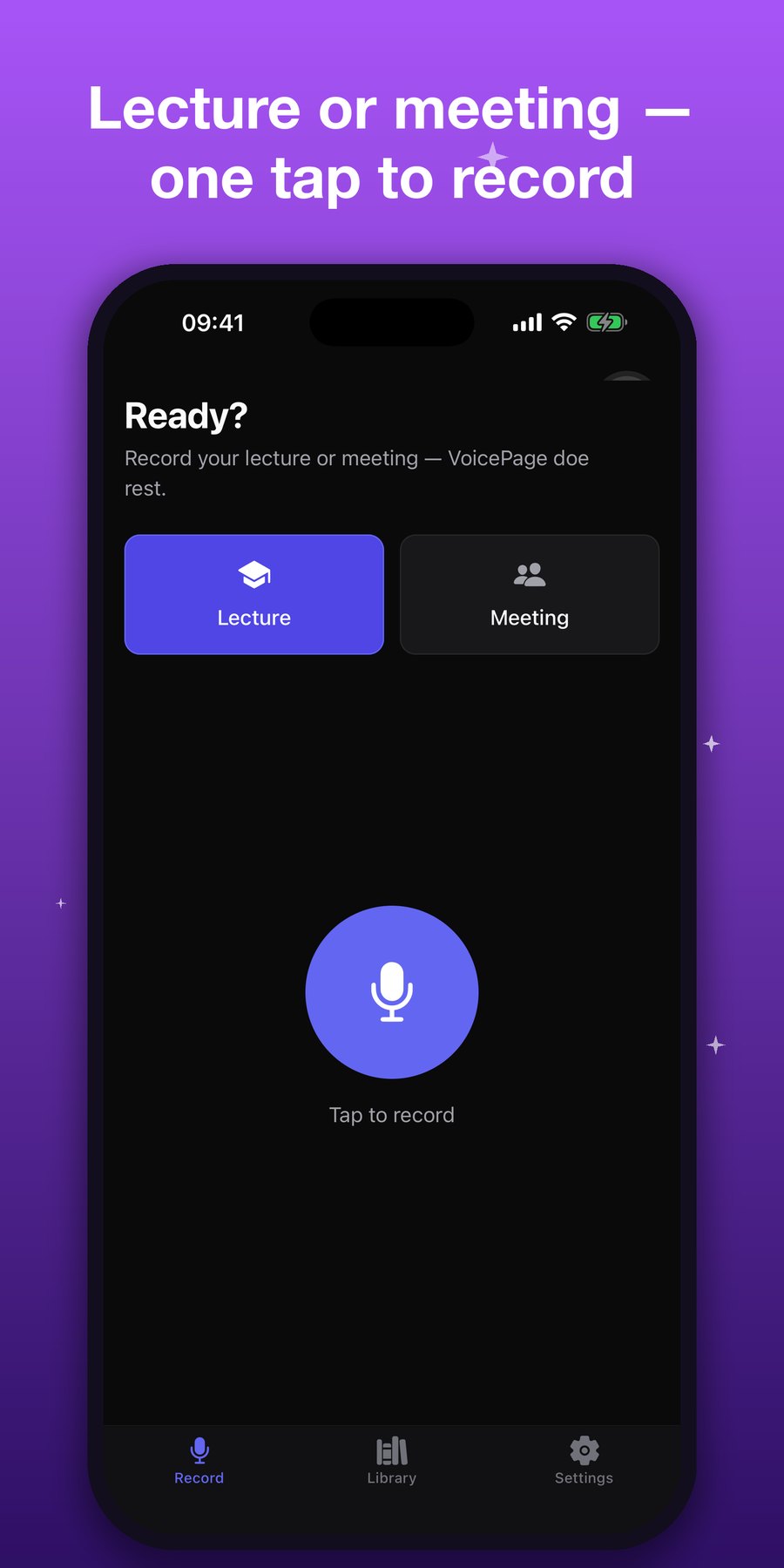
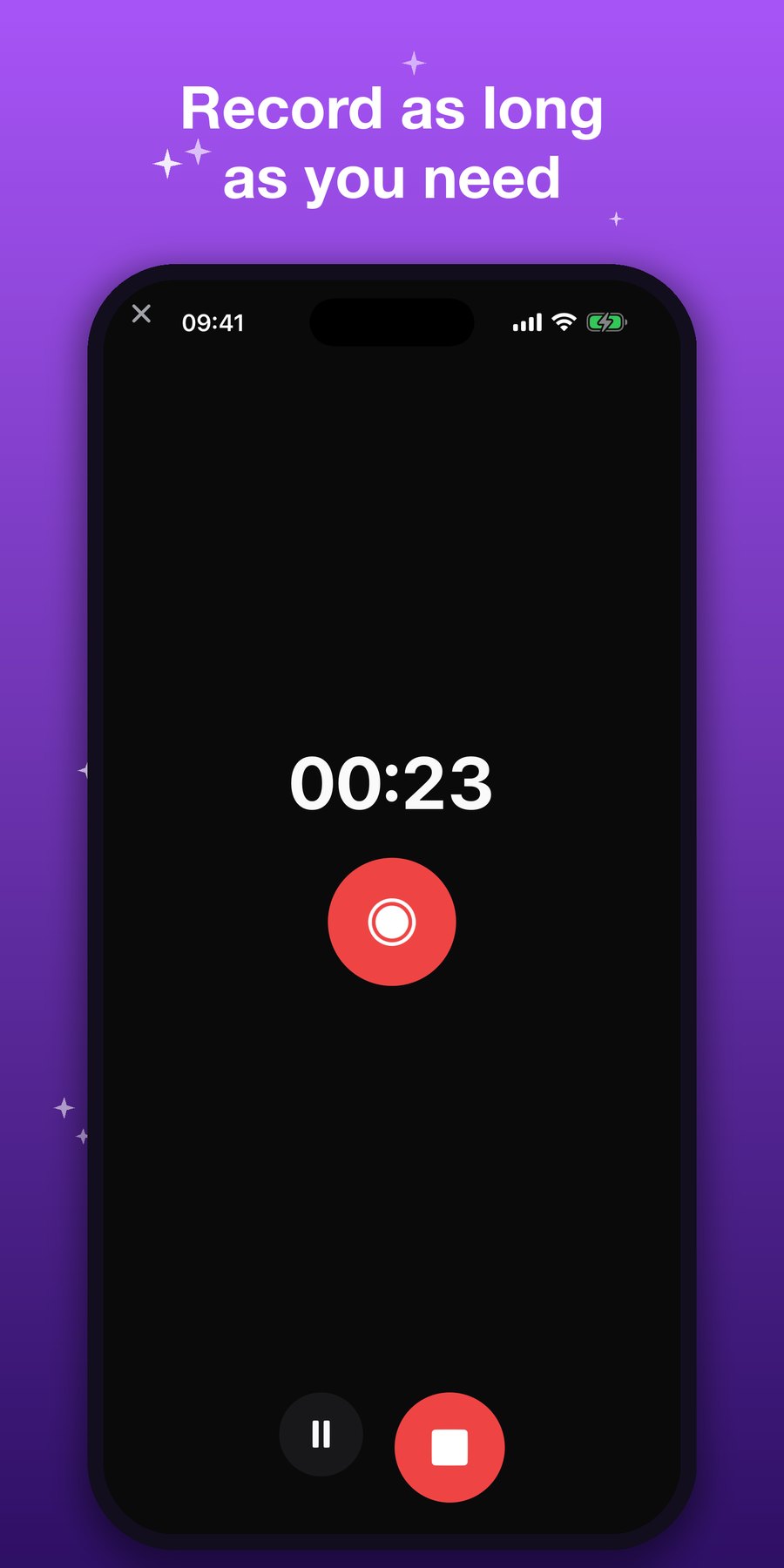
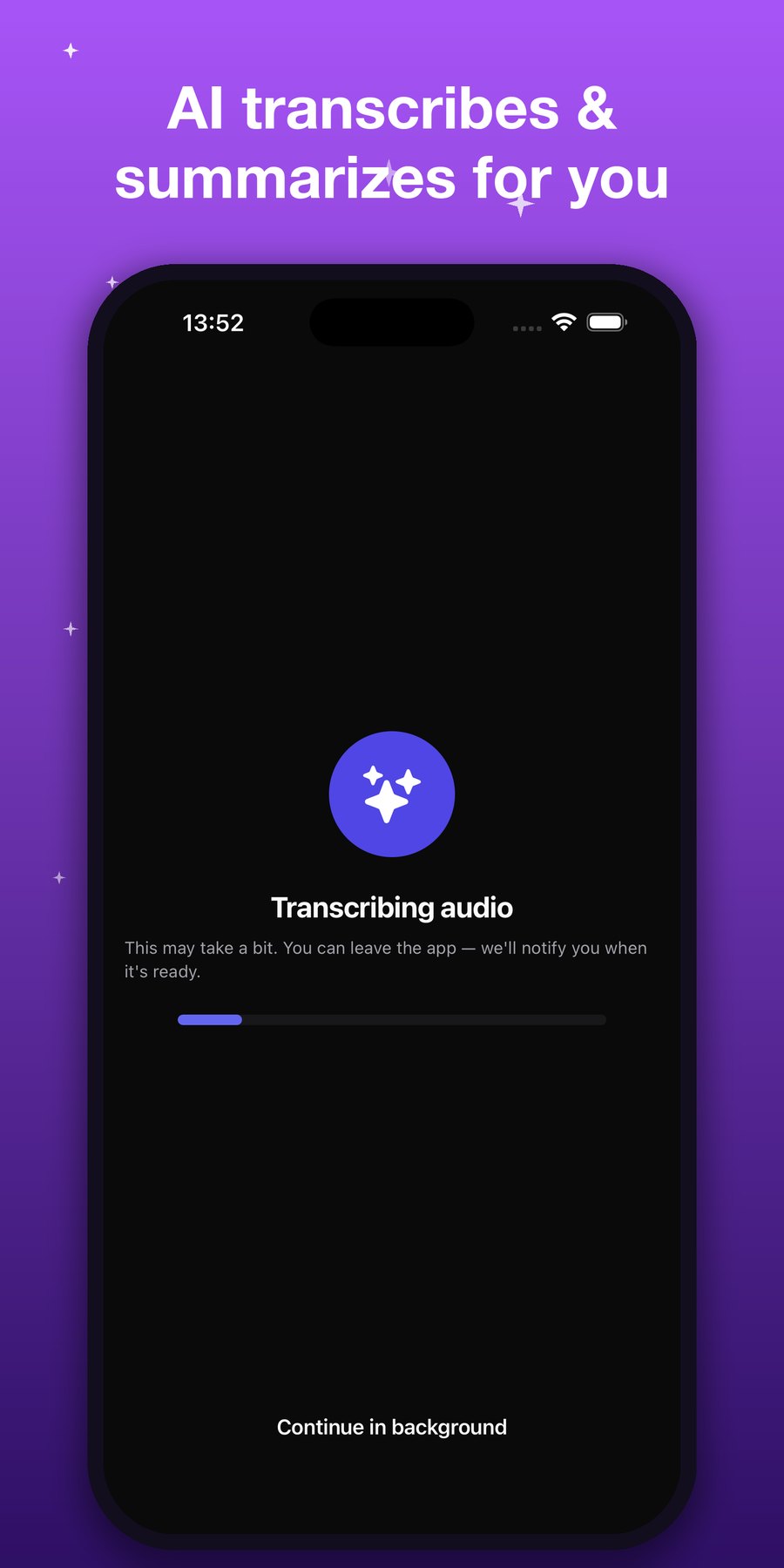
Three steps, zero effort
1 · Record
Start the lecture or meeting. No time limit; pause, resume, leave it in the background.
2 · AI processes
AI transcribes the audio, summarizes it, and illustrates the key points with visuals.
3 · Get your PDF
A multi-page PDF of transcript + summary + illustrations + diagrams — ready to share.
Lectures and meetings
Lecture mode
For students. Breaks topics into headings, highlights formulas and definitions, and produces a clean summary for exam prep.
Meeting mode
For professionals. Extracts decisions, action items and who owns what — into minutes that are easy to follow up on.
More than a PDF
AI illustrations
Key concepts are shown with AI-generated visuals, not walls of text.
Diagrams
Flows and relationships become automatic Mermaid diagrams.
No time limit
Two minutes or two hours — it records to the end.
Background recording
Keeps recording with the screen off or while you use other apps.
Turkish + English
Both the interface and the AI output in two languages.
Export
Save the resulting PDF, share it, send it anywhere.
Your recordings stay yours.
To create your PDF, your audio is processed by an AI service — but it doesn't stay there. Your recordings and files are kept tied to your account and deleted automatically.
Yours only
Your recordings and PDFs are visible only in your own account.
Auto-deleted
Processed raw data is permanently purged from servers within 30 days.
Never for training
Your recordings aren't used for ads, model training, and are never sold.